Everything in one place
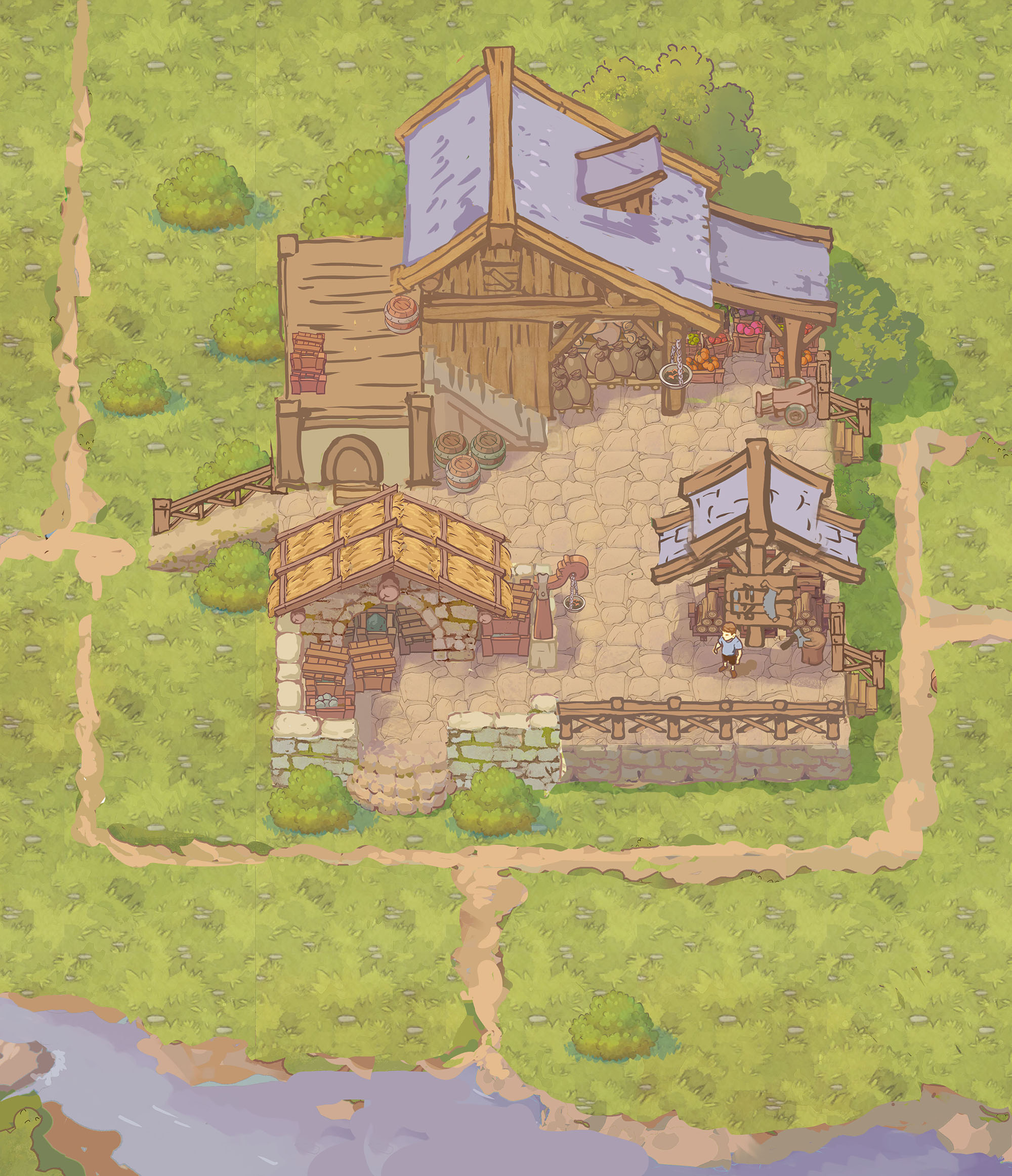
For weeks our shelter had lived in pieces: a kitchen here, livestock pens there, a town that produced goods in isolation. This was the period we wired it all into a single build you can sit down and play.
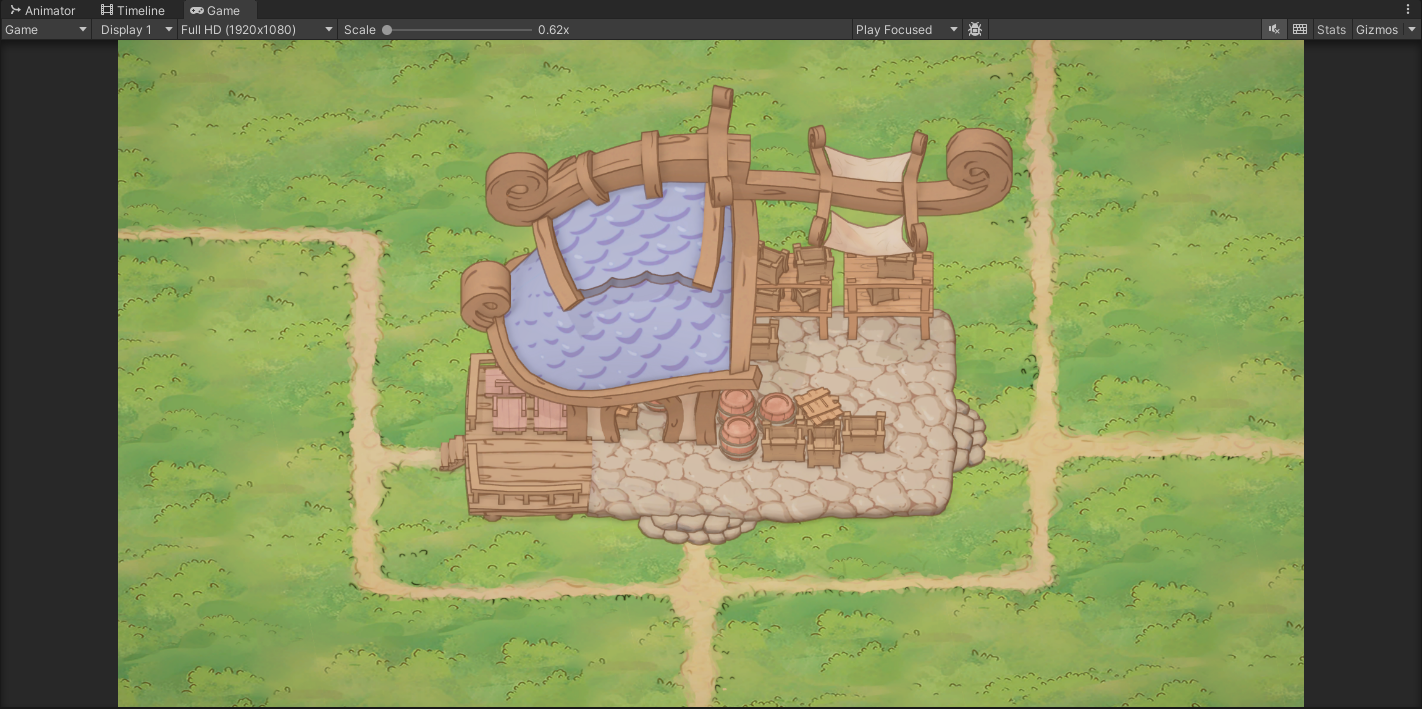
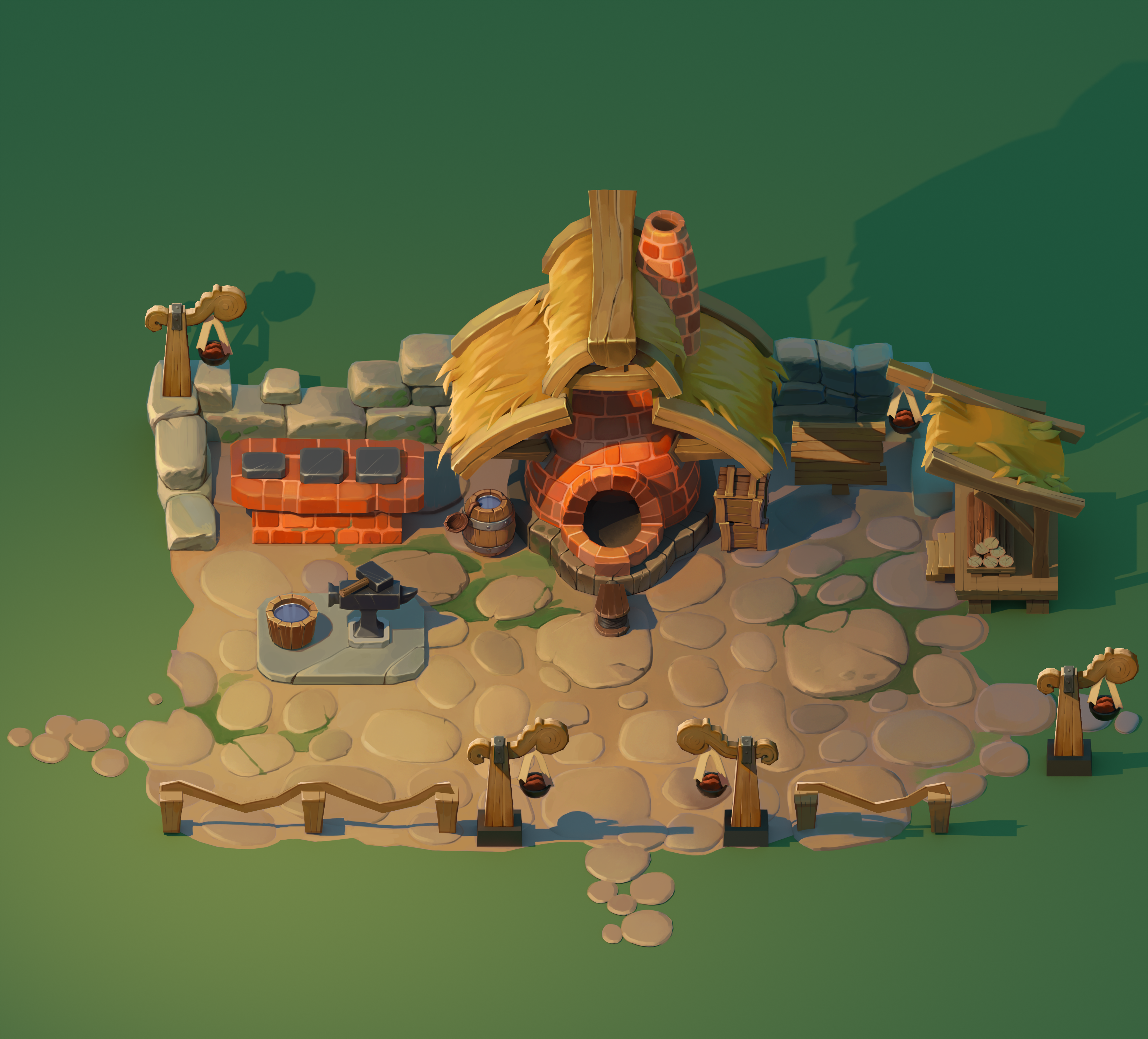
We got the town's production system working so the settlement actually makes things instead of just standing there, and we landed the season-change system so the world shifts from one season to the next as time passes. On top of that we pushed a full pass of asset optimization through the build, and the payoff was immediate: roughly a 1.5x to 2x jump in frame rate. That headroom matters more than it sounds, because a sanctuary full of dragons, animals, crops and townsfolk only feels alive when it runs smoothly while all of it is on screen at once.
A system is just a theory until it survives a real session in the build.
Building the systems that make a home
Underneath the integration work, the core loops kept evolving. We started reworking the kitchen so cooking ties cleanly into building and placing your stations, and we put the first iterations of the livestock system through the build so raising animals feels like part of the daily rhythm rather than a side menu.
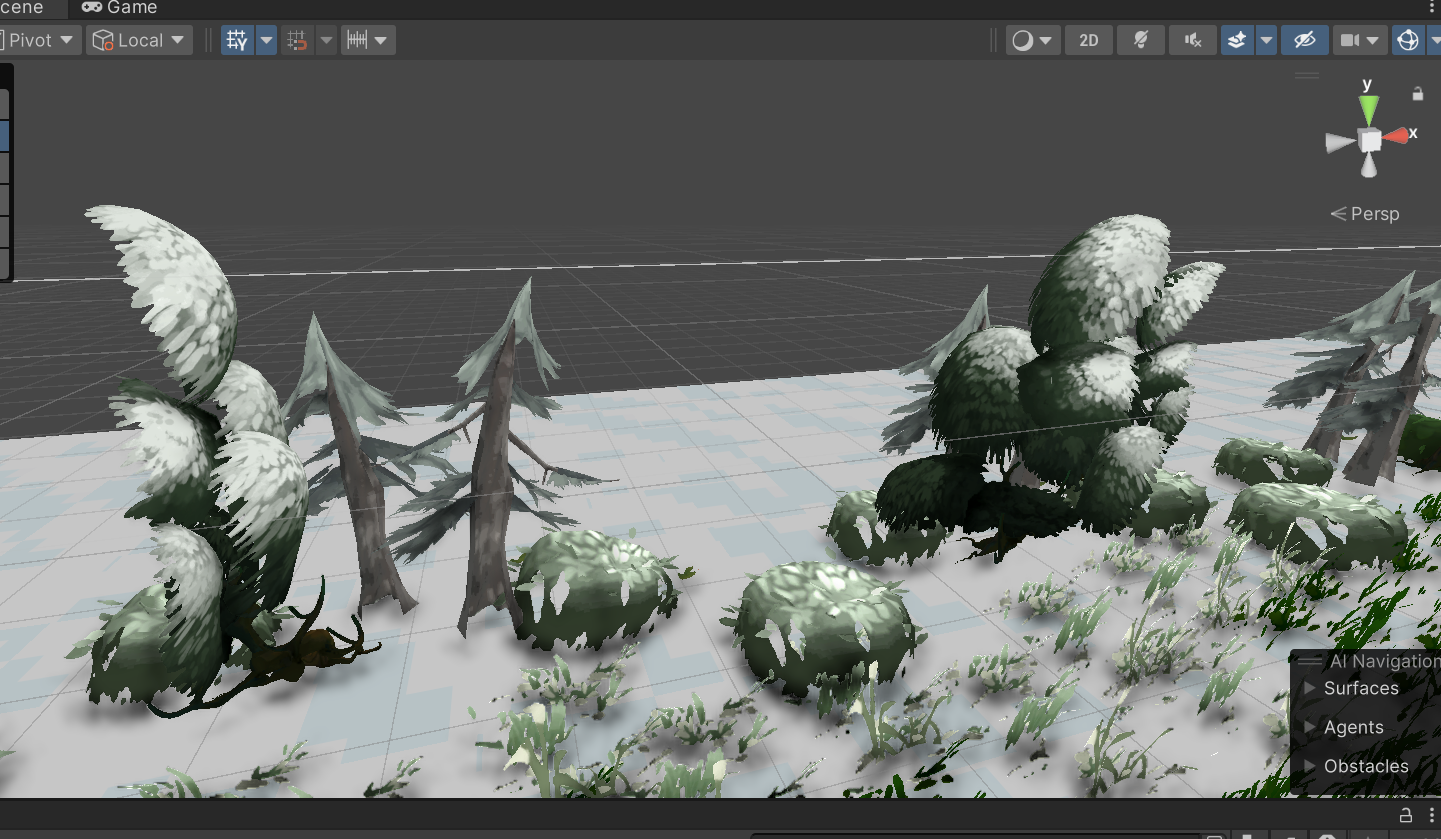
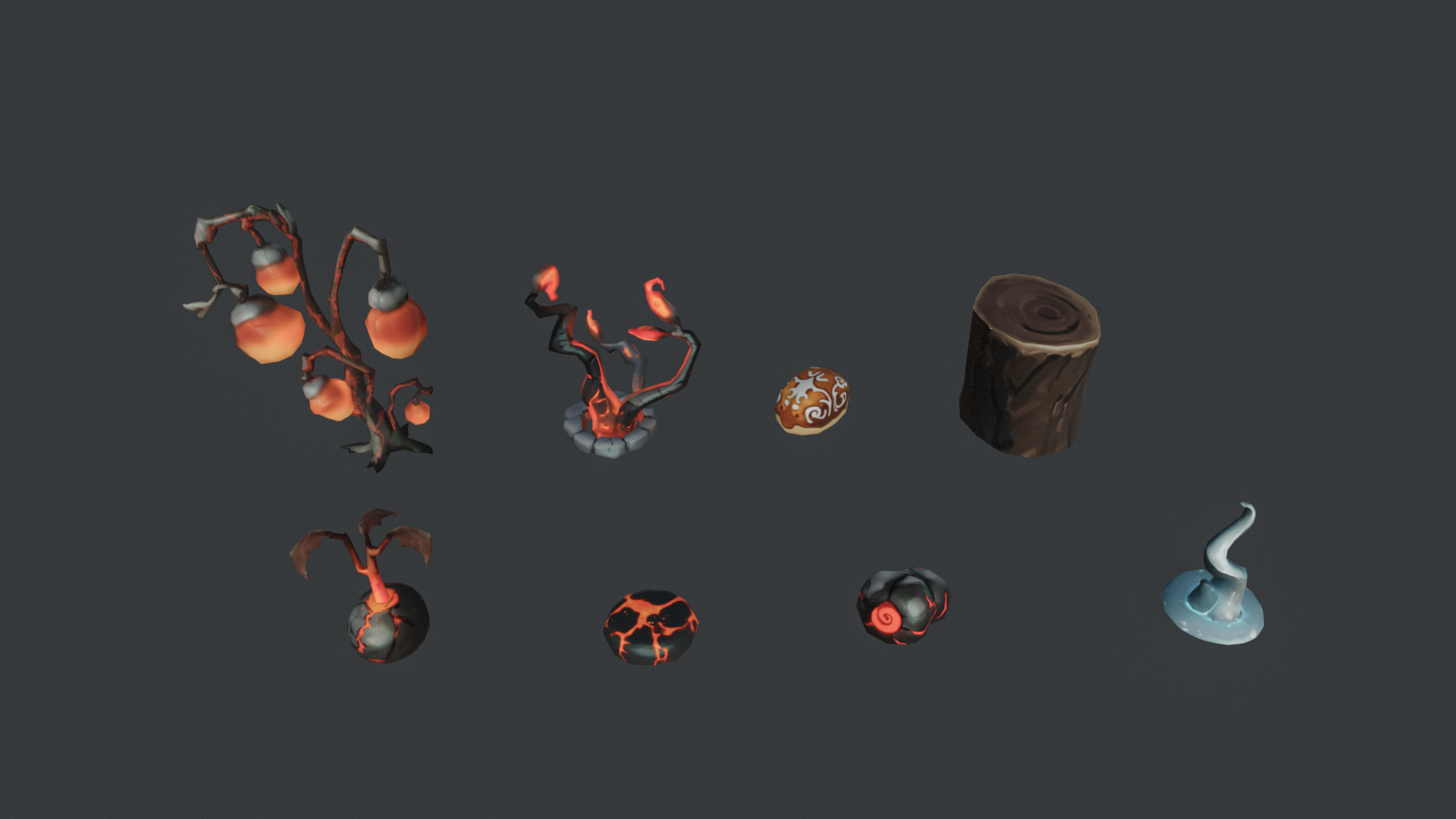
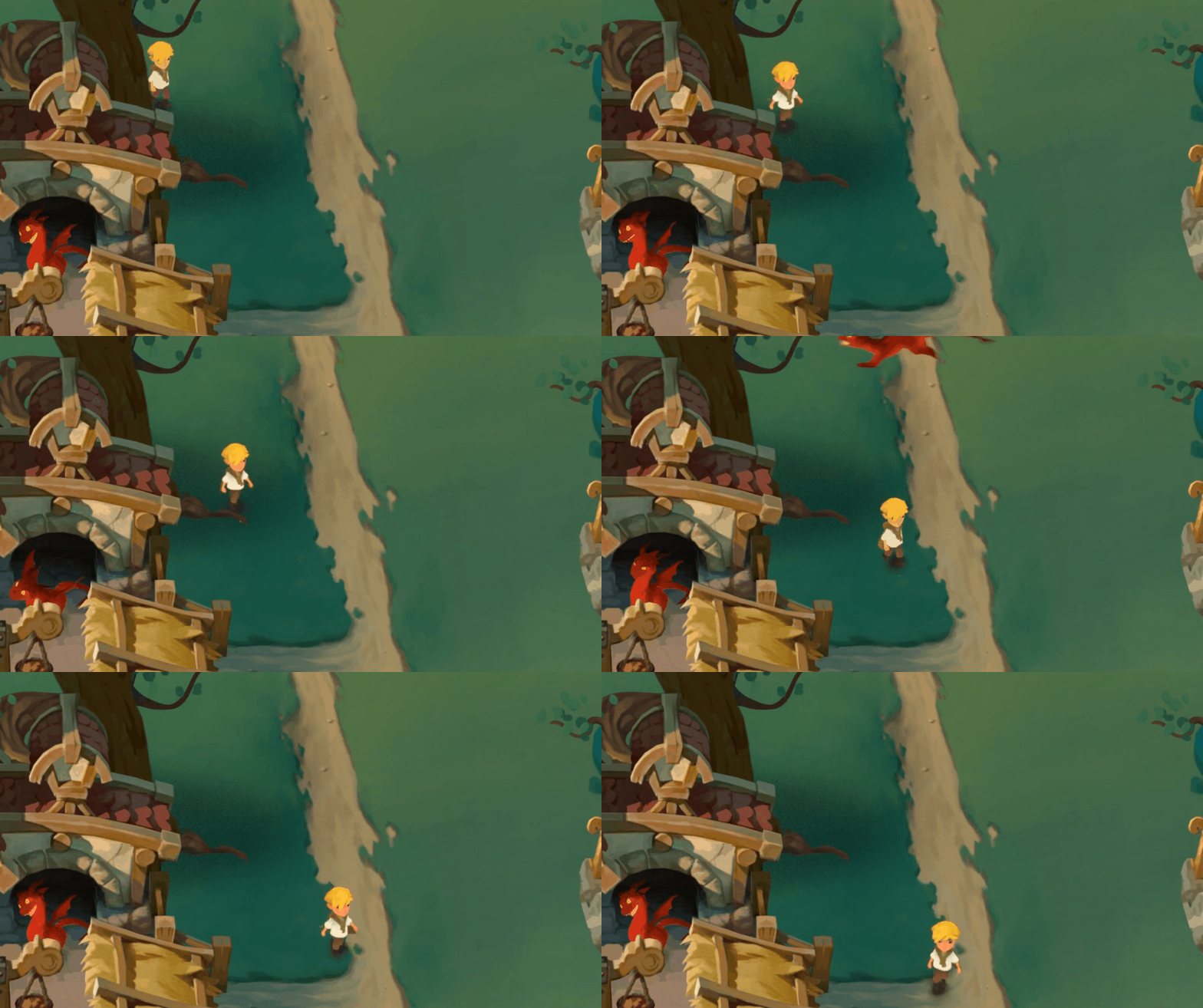
We also opened up the visual side of the seasons, beginning with winter: new shaders and materials so snow, light and surfaces read the way a cold season should. Seeing the first winter pass drop into the farm was one of those moments that made the whole world feel a notch more real. None of these systems are finished, but getting them into the playable build early means we can feel where they're rough instead of guessing on paper.
What testing taught us
With a real build in hand, the work shifted from inventing systems to living with them. The focus turned to preparing an updated demo, and that meant putting the build in front of ourselves over and over and writing down everything that got in the way.
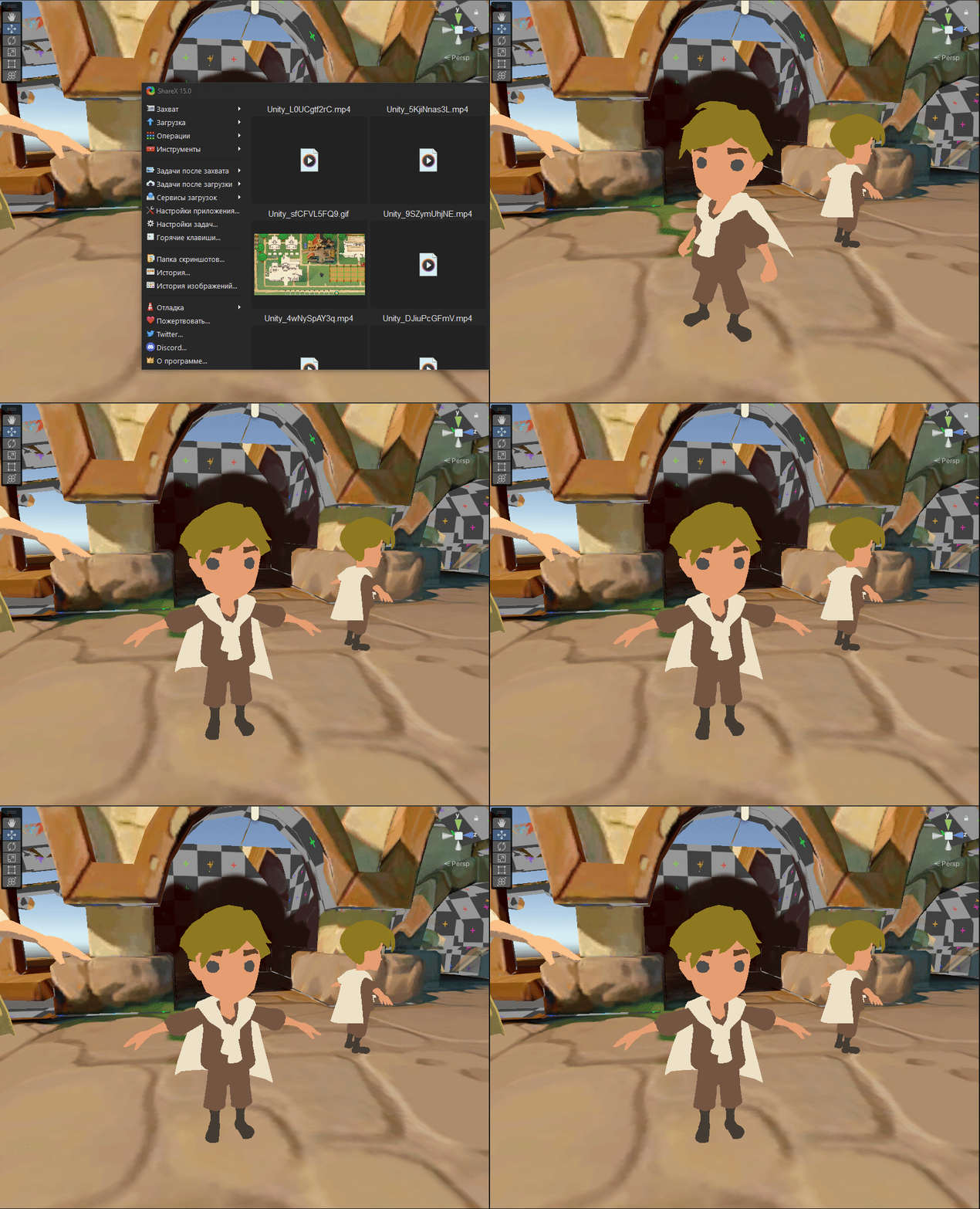
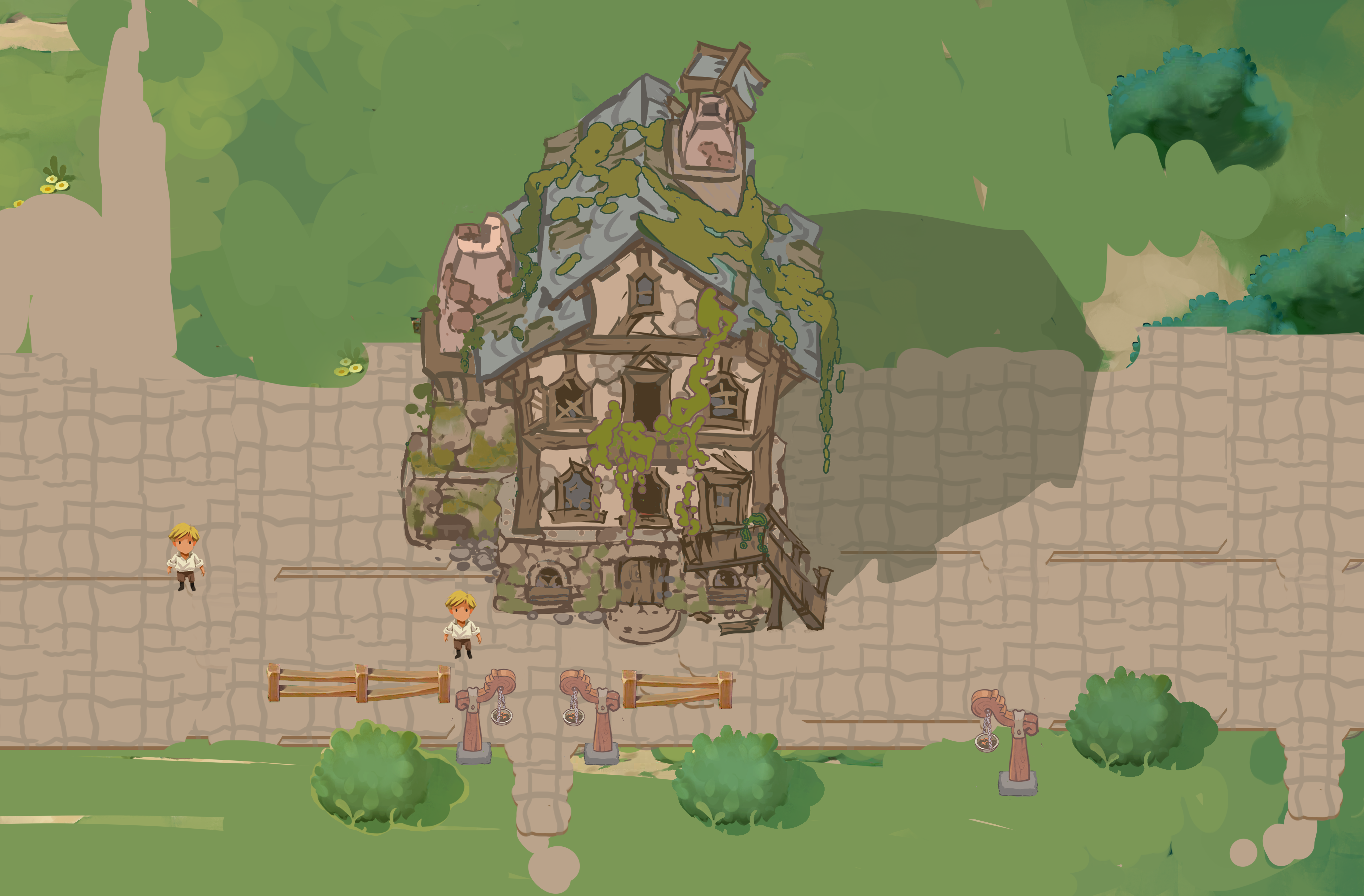
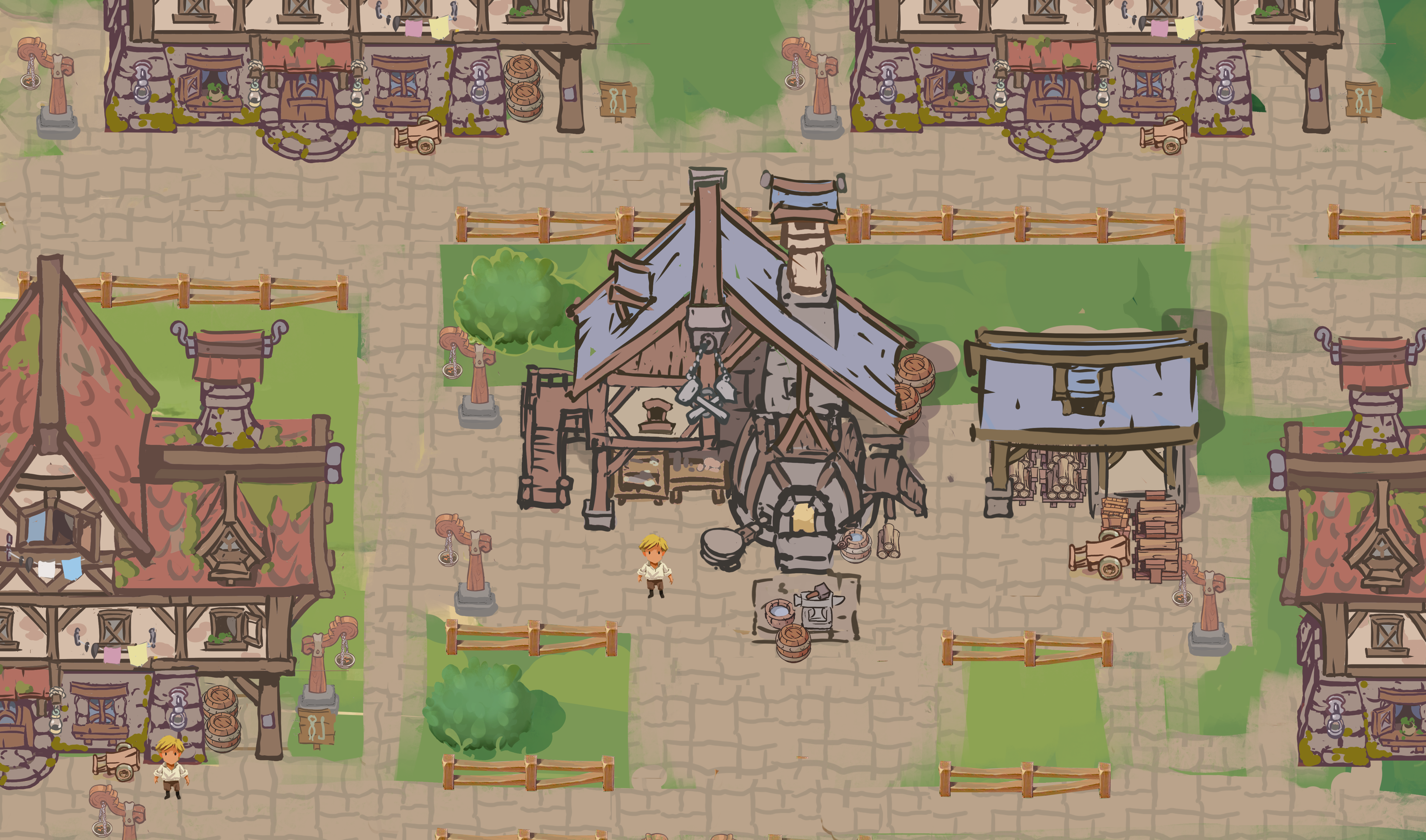
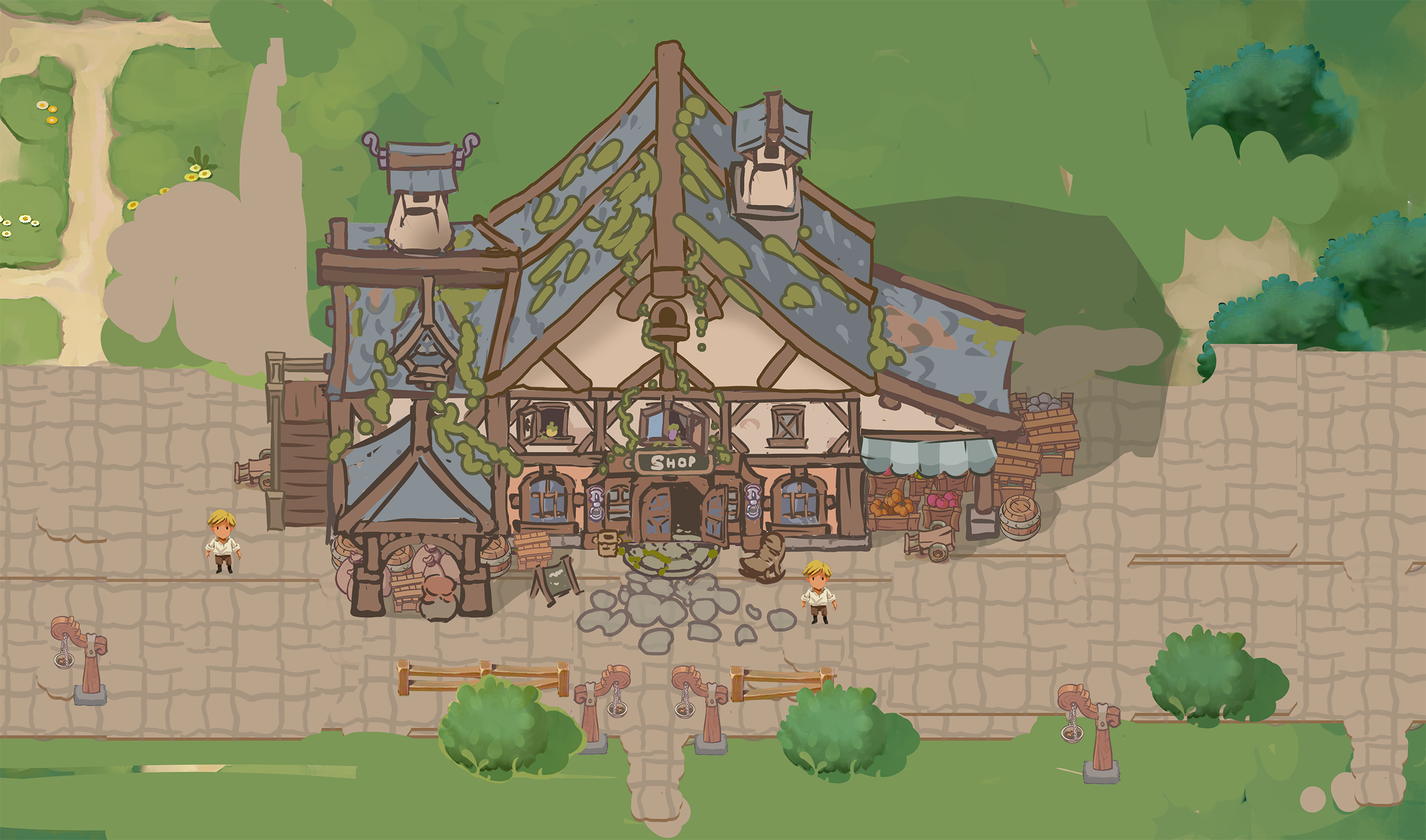
We pulled together a list of UX improvements covering controls, the UI, and the on-screen hints that tell a new player what to do, and we kept polishing the look of the interface. We swapped placeholder props for real ones, tidied up basic level design so the space reads clearly, and fixed a batch of localization issues. We even built small developer conveniences into the build for capturing footage cleanly, like a free-flying camera and a toggle to hide the HUD. On the platform side, we talked through what it would take to bring the shelter to a new console: most of it sits close to where our handheld build already is, with the engine upgrade being the real piece of work ahead.
Sketches & process
What we built
- Integrated the town production system into the playable build so the settlement actually manufactures goods
- Shipped the season-change system, with the world transitioning between seasons over time
- Pushed a full asset-optimization pass, gaining roughly 1.5x-2x frame rate in the build
- Delivered the first winter visual pass with new shaders and materials
- Advanced the kitchen and livestock systems into the build for hands-on iteration
- Compiled a UX improvement list (controls, UI, hints) and replaced placeholder props while polishing the demo build