We sat down and played it for eight hours
At some point you have to stop building and just play your own game like a stranger would. So we did — roughly seven to eight hours straight through the current build, notebook open. The verdict was honest and a little uncomfortable: there's a real game in here, but the experience keeps tripping over itself. After a couple of hours the core loop starts to buckle under its own scale. The same actions repeat without escalating, feedback lags behind your progress, and a newcomer simply can't tell what half the systems want from them.
We wrote it all down as a pre-alpha audit and grouped the mess into six honest buckets: how the systems connect (quests, farm, kitchen, dragons, town, seasons, elements all exist but don't yet click into one loop), repetition at scale, onboarding, UI consistency, controls, and pure game feel. Seasons should change how you care for dragons and run the farm; dragon elements — fire, water, earth, electricity — should do something to the farm and the town instead of just being flavor. Naming these problems out loud, in one place, is what let us stop guessing and start fixing.
A working game and a game that feels good are two different builds. We spent this stretch closing the gap.
Readability first: make the world easy to read
When we audited the look of the live build, one priority rose above everything else: readability. Before anything pretty, the player has to be able to see — pick out objects, read the gameplay, and not get lost in visual noise. We deliberately reached for the fixes that were fast to ship and paid off immediately, which meant starting with terrain and effects.
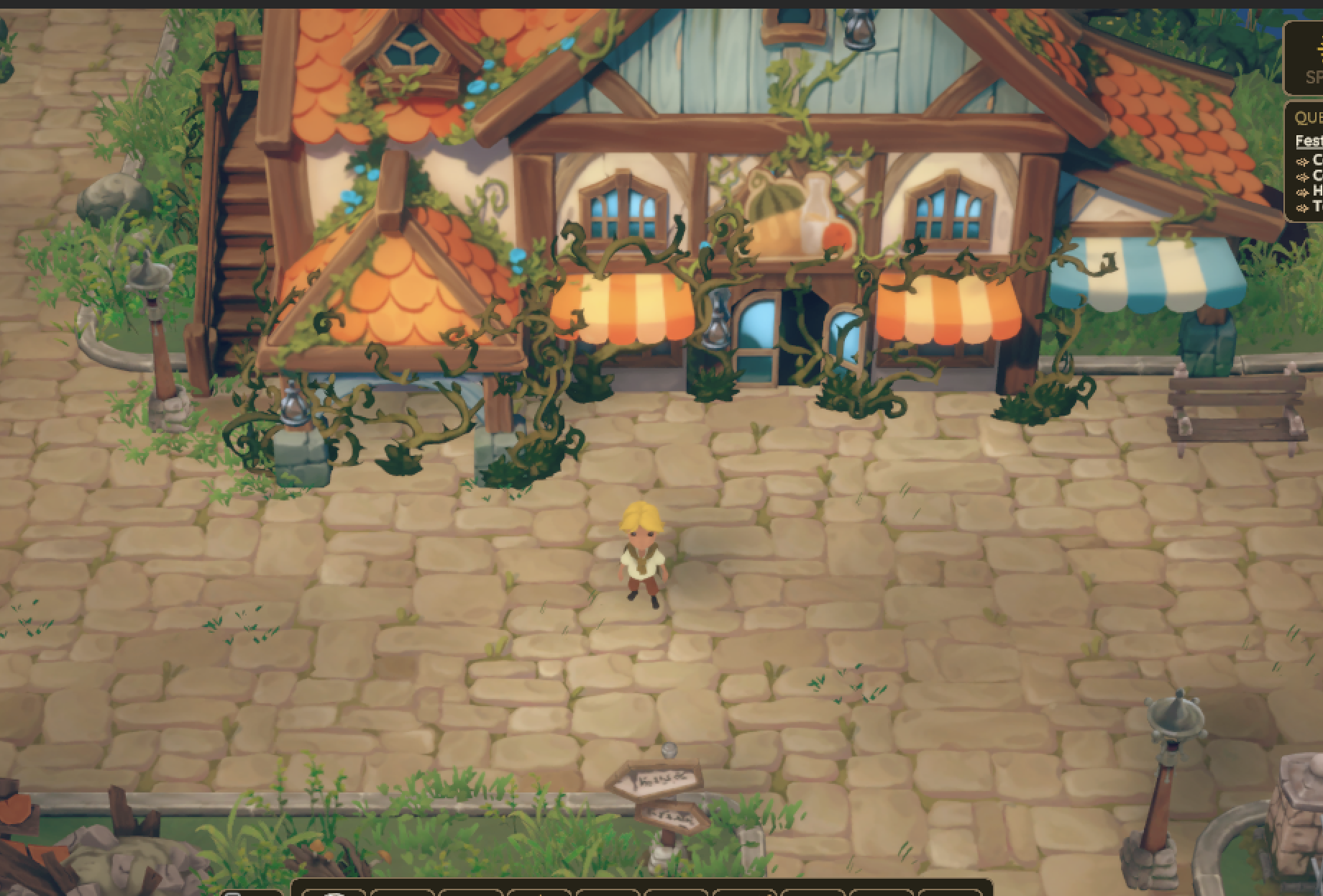
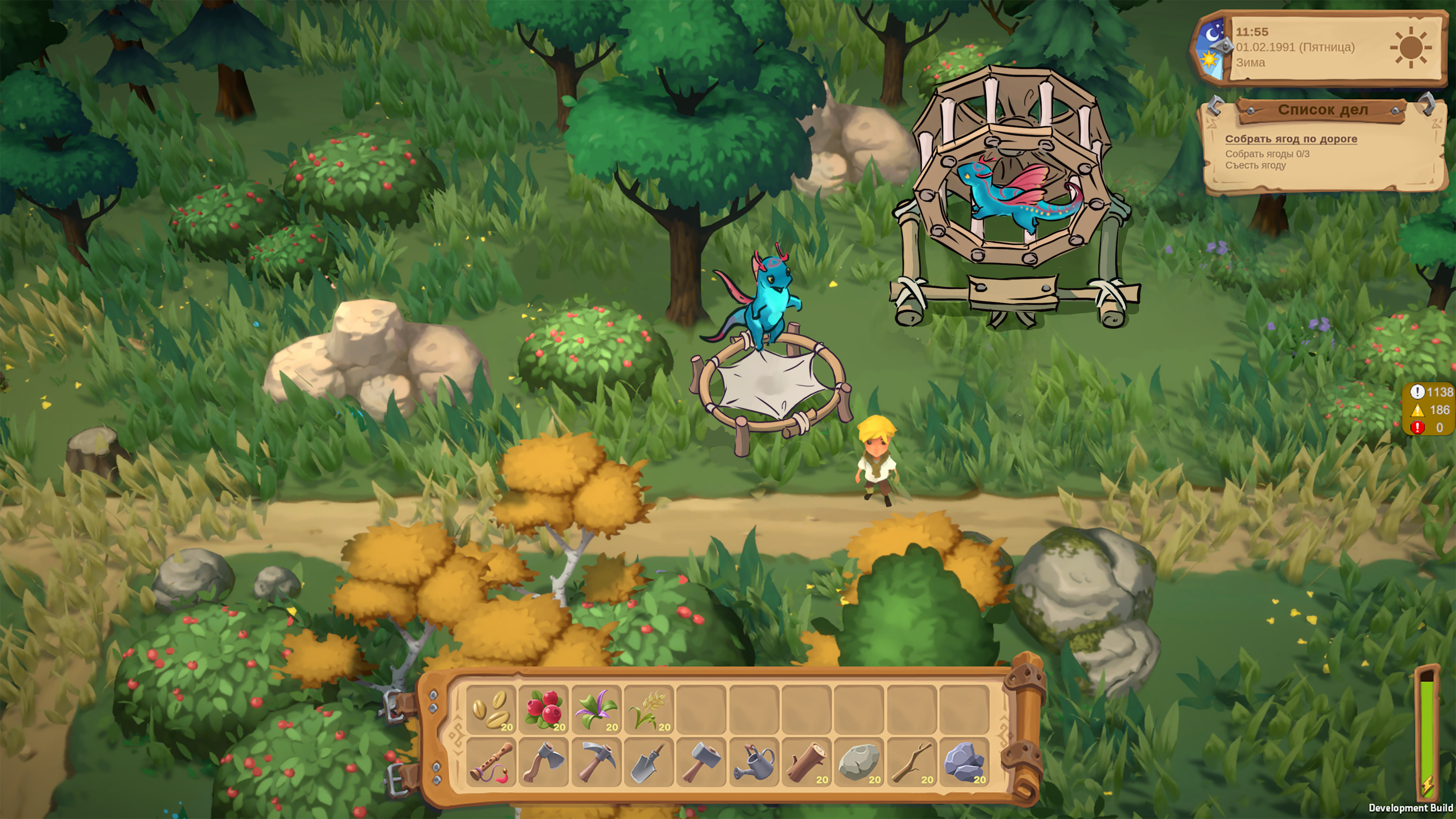
So we went through the world surface by surface. The grass terrain now matches between the farm and the town instead of feeling like two different places. We toned down the ground tiles so the character actually stands out on them, and made the grass and plants less noisy and more varied in color — better to look at and easier to parse mid-action. We hunted down the blown-out, overbright spots in the lighting and pulled them back. Small things on their own; together they make the whole scene calmer and clearer.
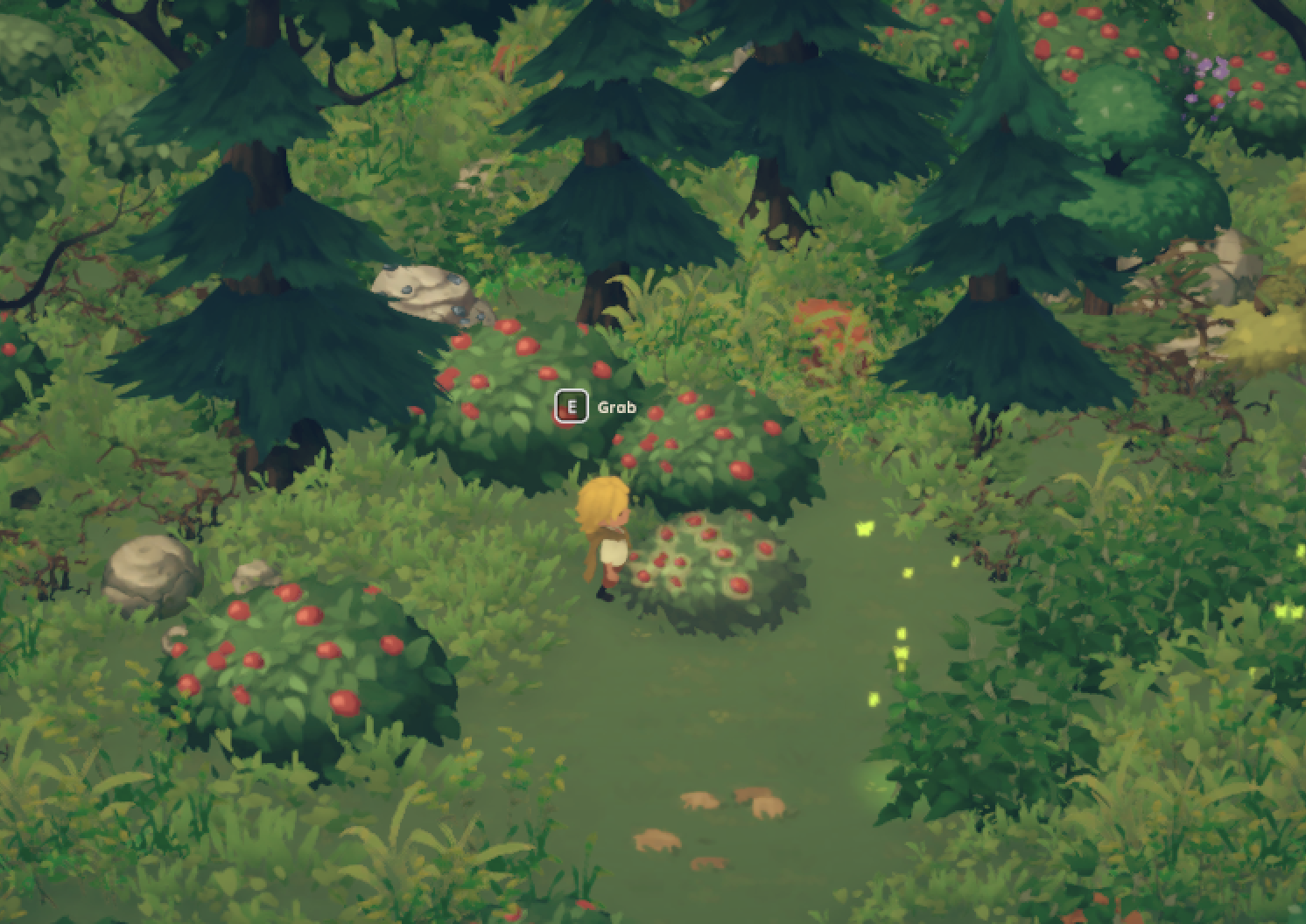
The pickup effects got the same treatment. The collectible highlight is now a crisp outline that reads clearly without shimmering and shouting. Berries get a quieter glow; fireflies are yellow, flowers are purple, and you can finally tell them apart at a glance. Garden-bed effects and plant visuals were corrected so a planted row is legible at speed.
Rebuilding the houses, sharpening the UI
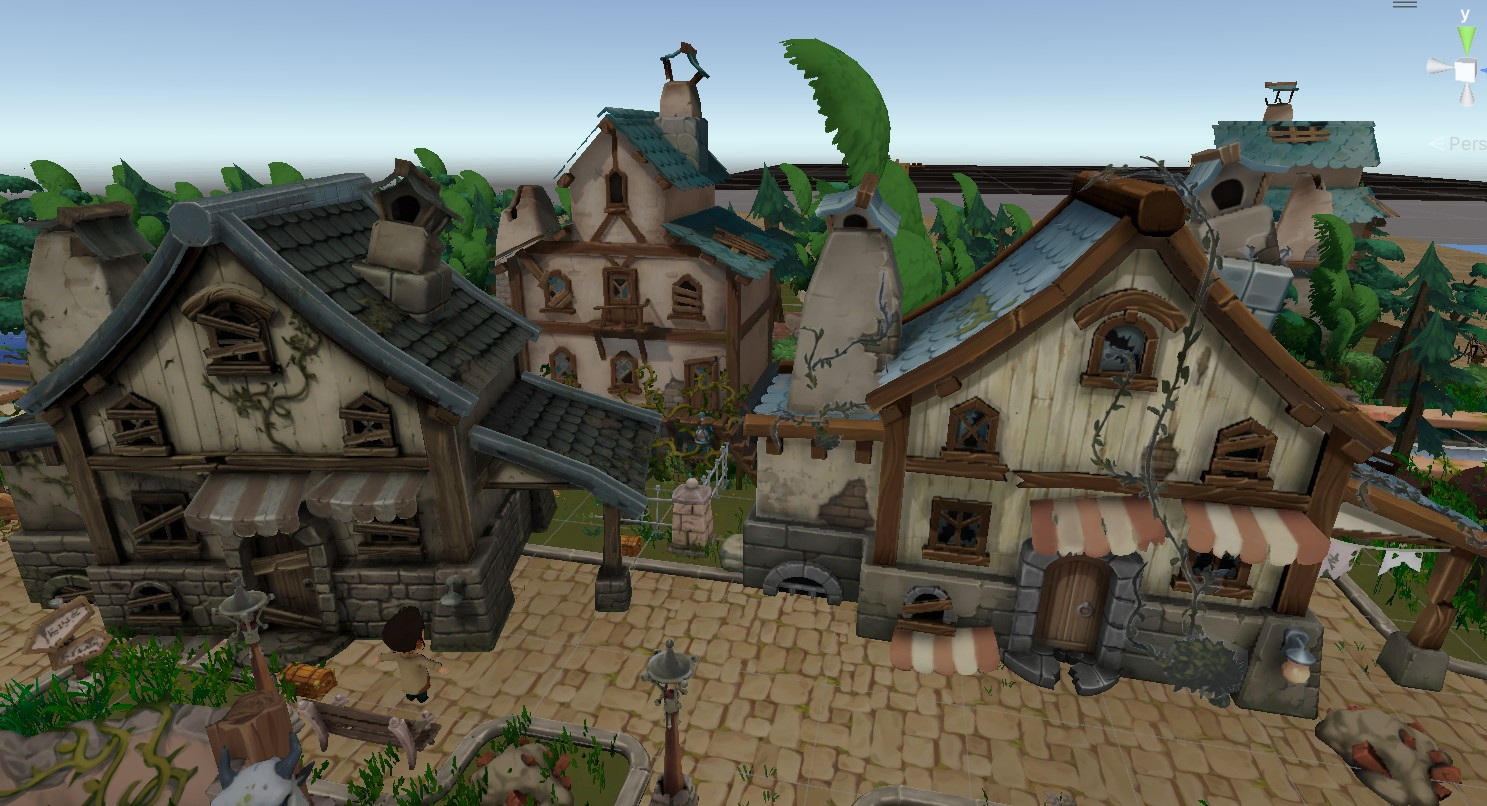
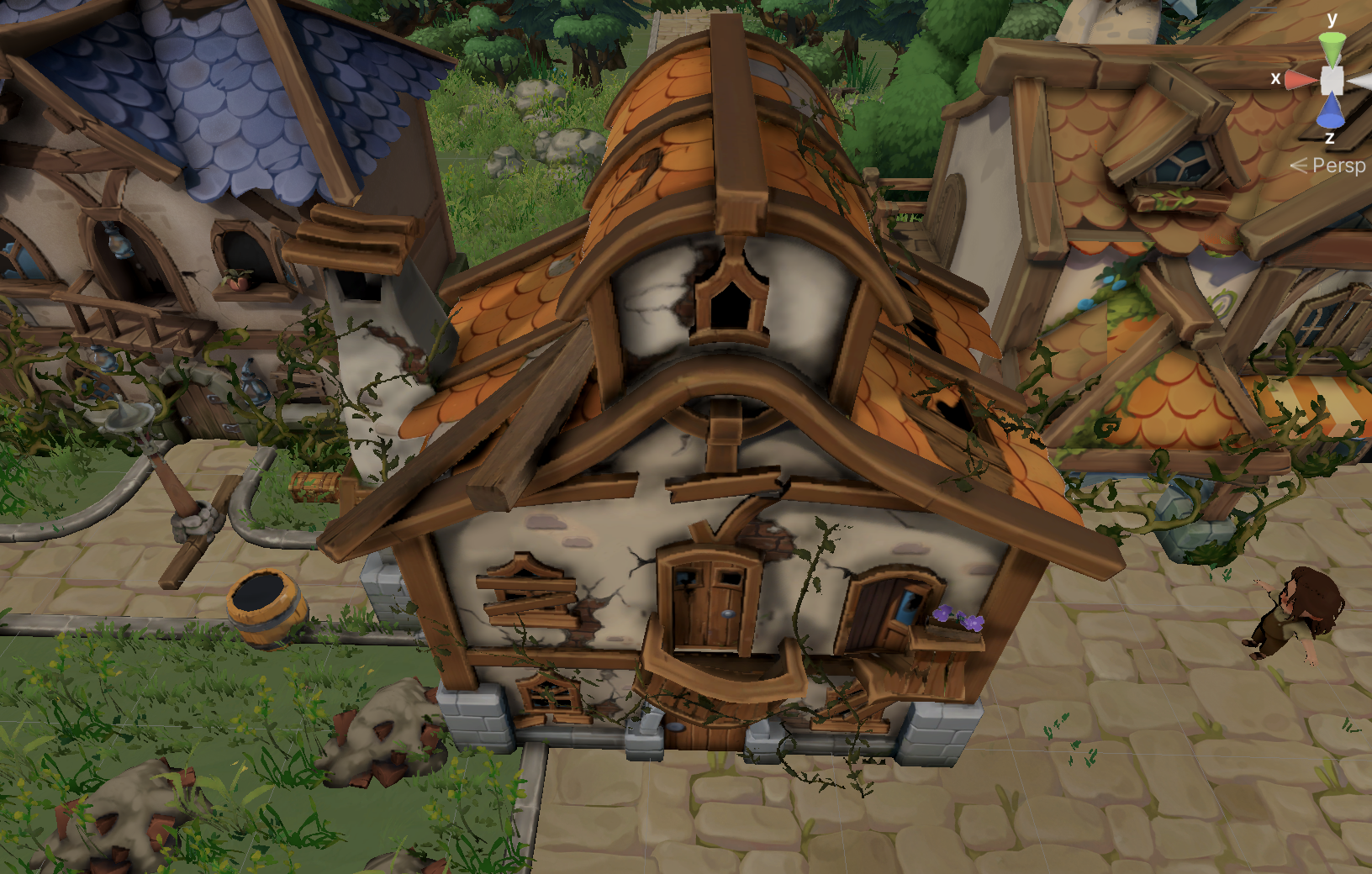
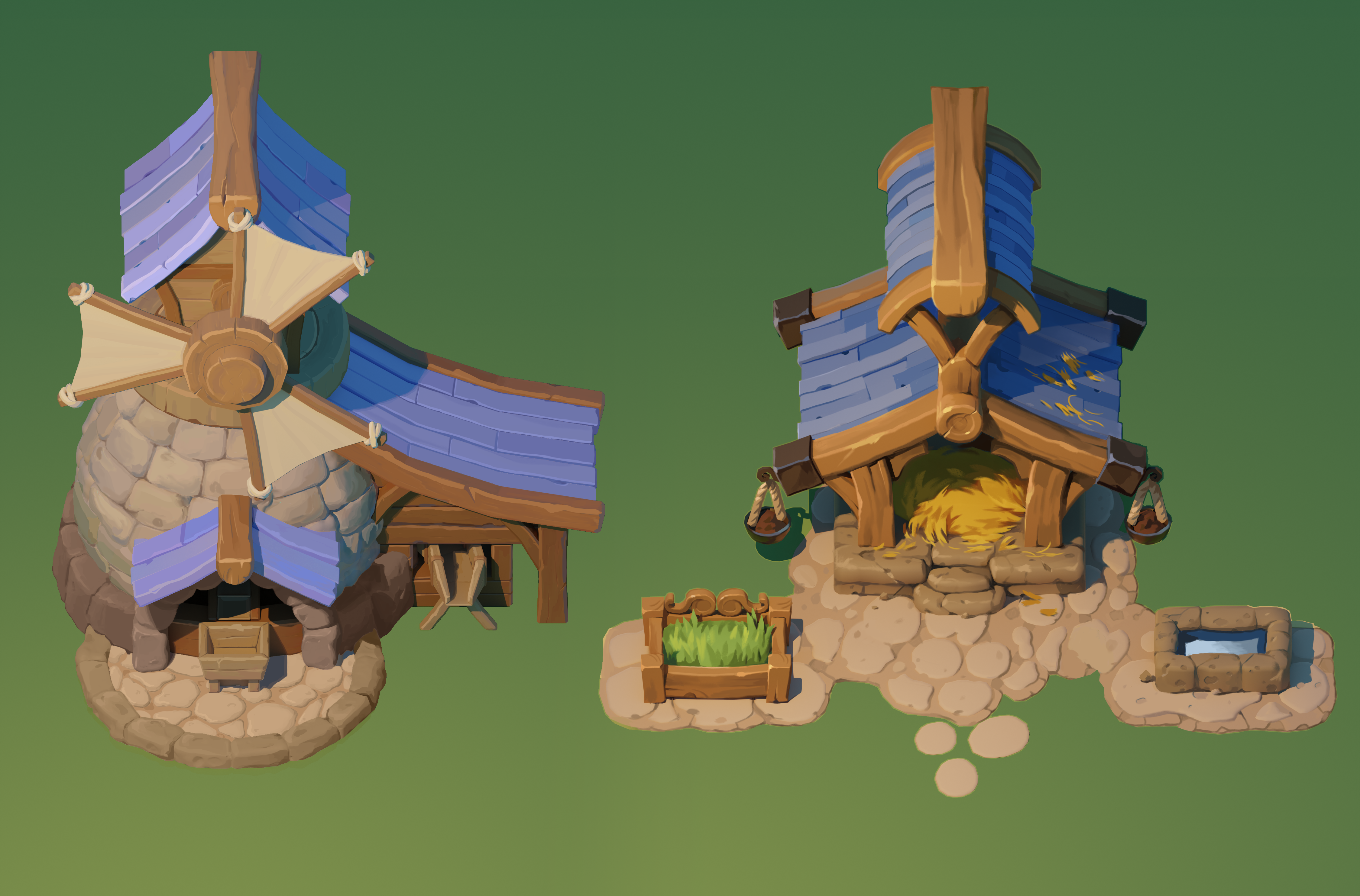
In parallel we reworked the town's buildings. Three houses went through a full before-and-after pass, and the difference is the kind you feel before you can name it — cleaner silhouettes, warmer detail, better fit with the rest of the world. Just as importantly, we tightened our own pipeline along the way: the time to get a finished house in the project's style dropped from about a week to roughly two days, working in small, fast iterations with concepts and references up front.
The audit was blunt that the single most critical visual problem is the UI — different screens still look like they came from different games. So that's the next front: a shared visual language of colors, icons, and state indicators, an audit of the key screens (inventory, quest log, orders, the dragon menu), and a single control map so keyboard-and-mouse and gamepad finally agree on what the primary action does in each context. All the visibility work this period lives in our art/visibility_fixes branch, ready to fold into the build.
Sketches & process
What we built
- Ran a full pre-alpha audit across ~7-8 hours of the live build, sorting issues into six clear buckets: systems cohesion, repetition, onboarding, UI, controls, and game feel
- Unified the grass terrain between farm and town, toned down noisy ground tiles so the character reads, and pulled back overexposed lighting
- Reworked collectible feedback: a crisp, low-noise highlight outline, quieter berry glow, and color-coded fireflies (yellow) vs. flowers (purple)
- Corrected garden-bed effects and plant visuals so planted rows stay legible during play
- Redesigned three town houses with full before/after passes, cutting house turnaround from about a week to two days
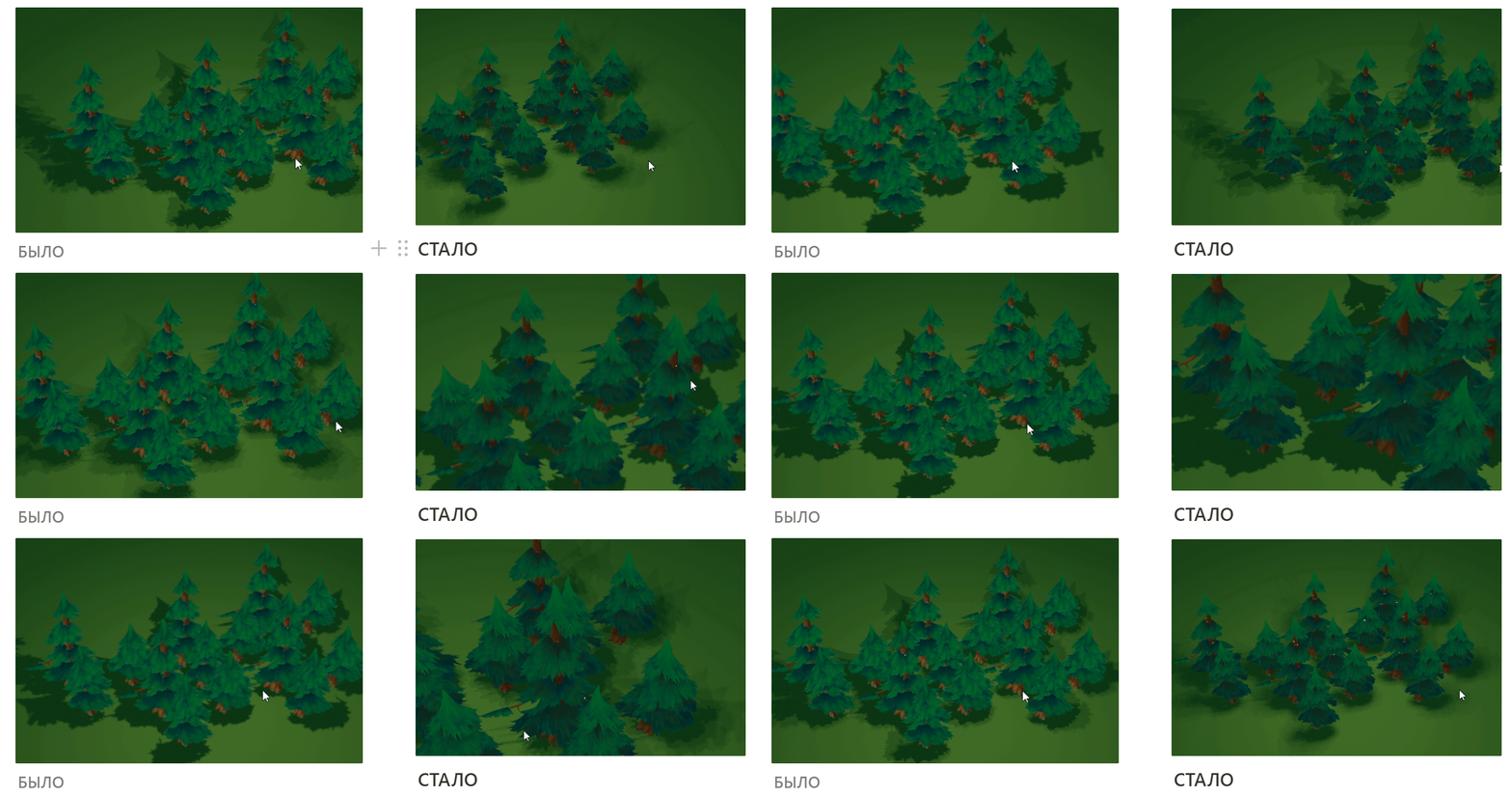
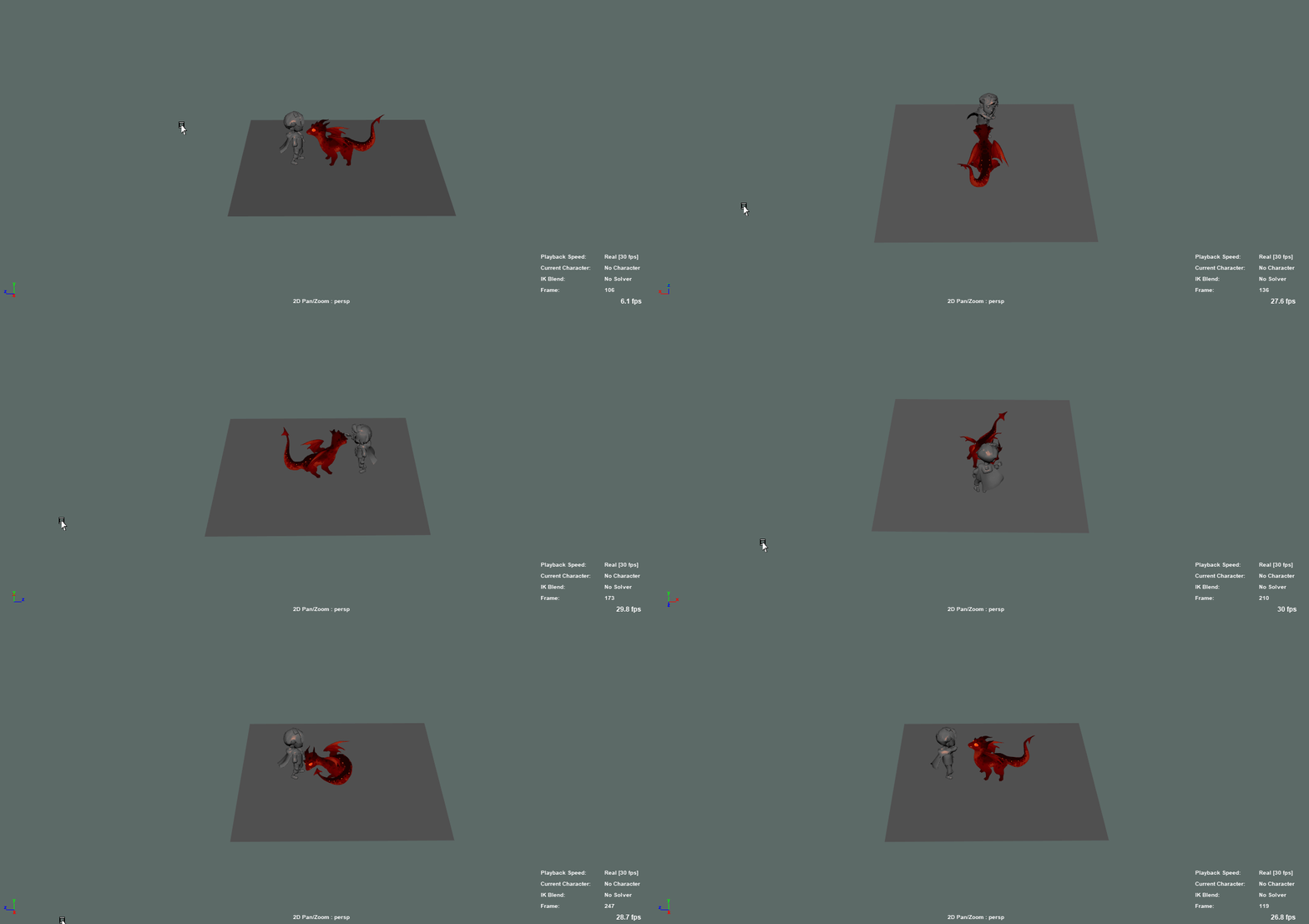
- Added water effects, a new tree pack (including bare winter trees), seasonal post-processing, and an earth-dragon rig and animation retarget